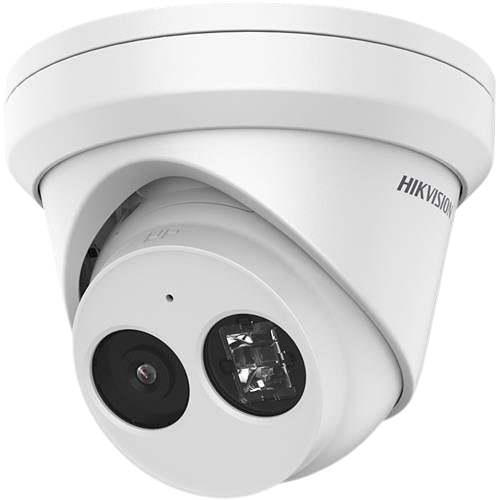
4 MB hero →
90 KB banner.
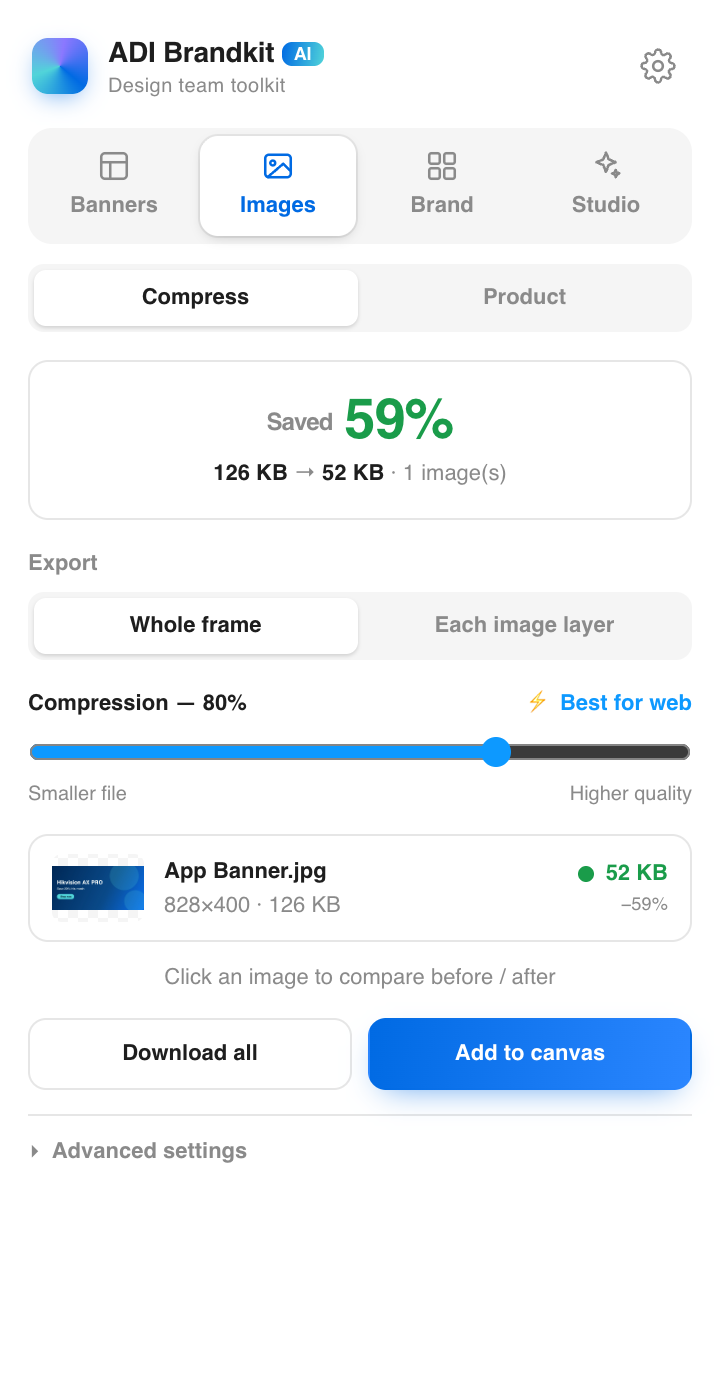
Compress and resize for the web without visible loss. Target a file size in KB and Brandkit finds the best quality that fits — with traffic-light badges telling you what's web-ready.
- JPEG / WebP / PNG, batch-ready
- Target-size mode picks resolution for you
- 100% local — images never leave your machine
One banner,
every market.
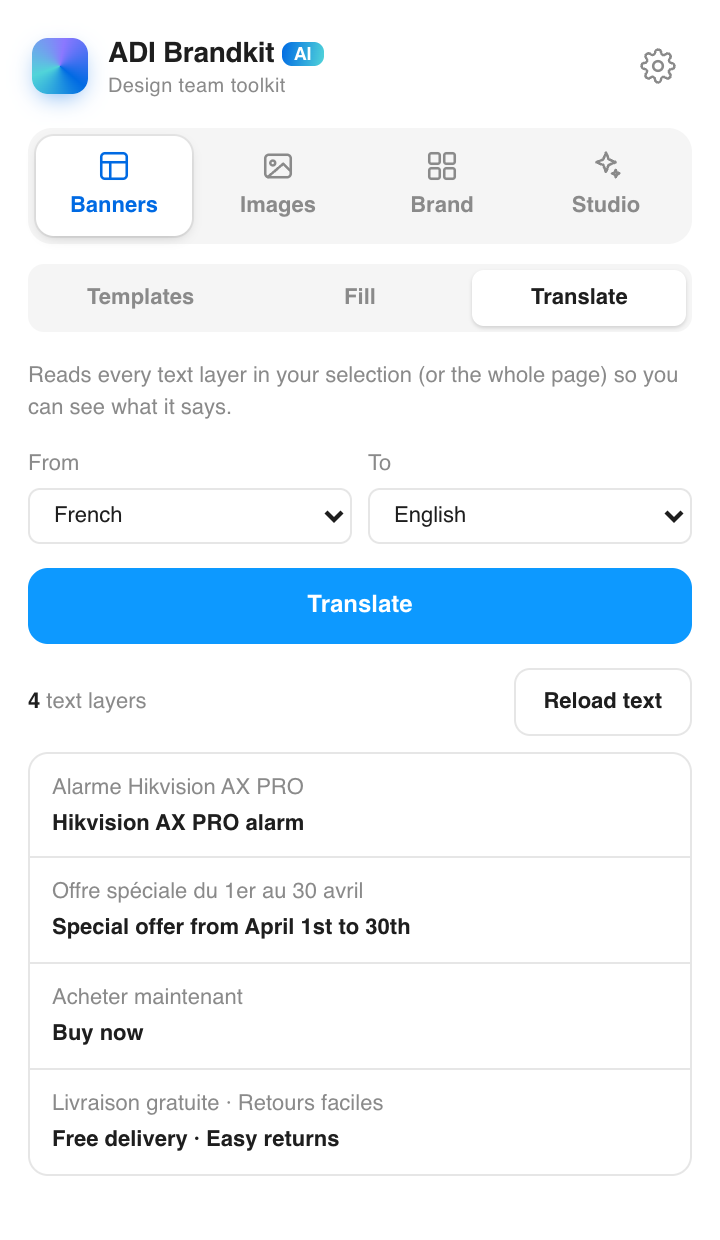
Brandkit reads every text layer in your selection and translates side-by-side — FR, PL, CZ, NL and twenty more. Click any line to jump to its layer.
- Whole page or selection
- Side-by-side original and translation
- Click a row → selects the exact layer
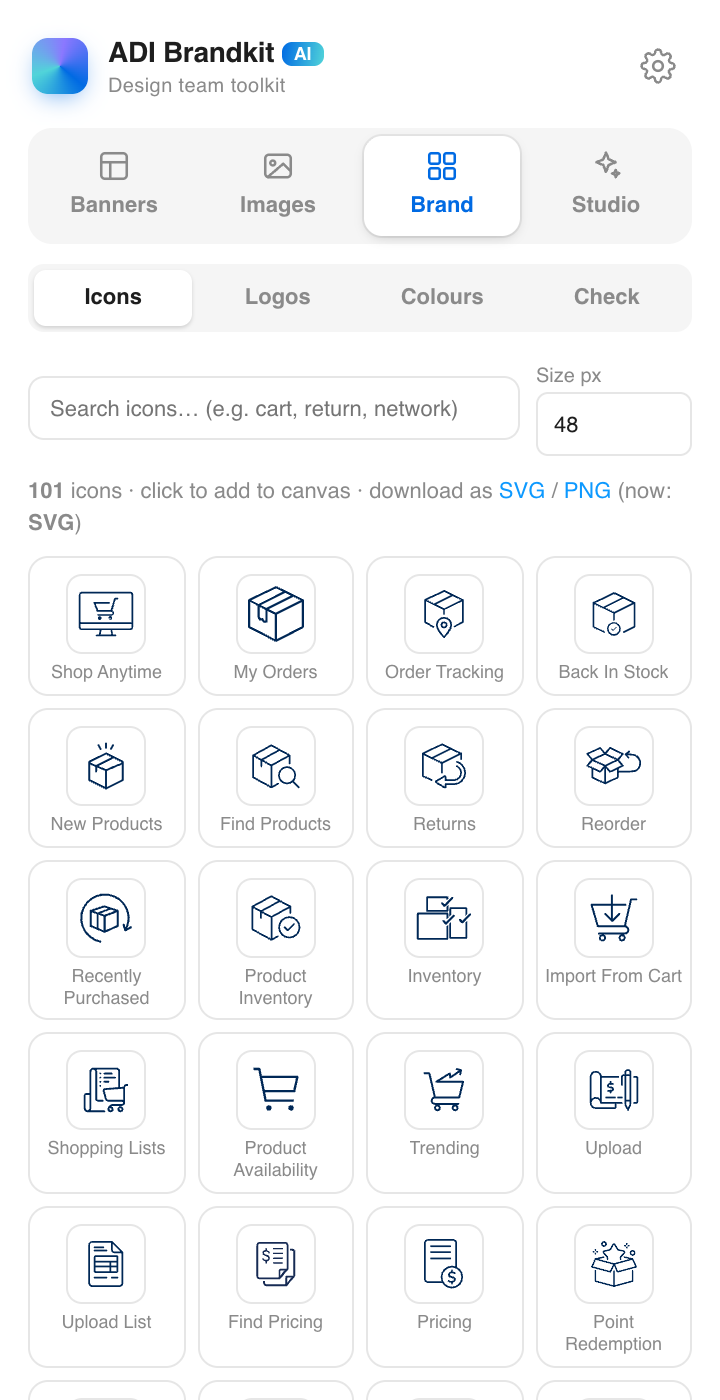
100+ icons.
Search. Drop.
The team's icon set, always at hand — search by name, click, and a crisp vector lands on your canvas. No more digging through old files.
- Search by name or category
- True vectors — scale forever
- One click to canvas
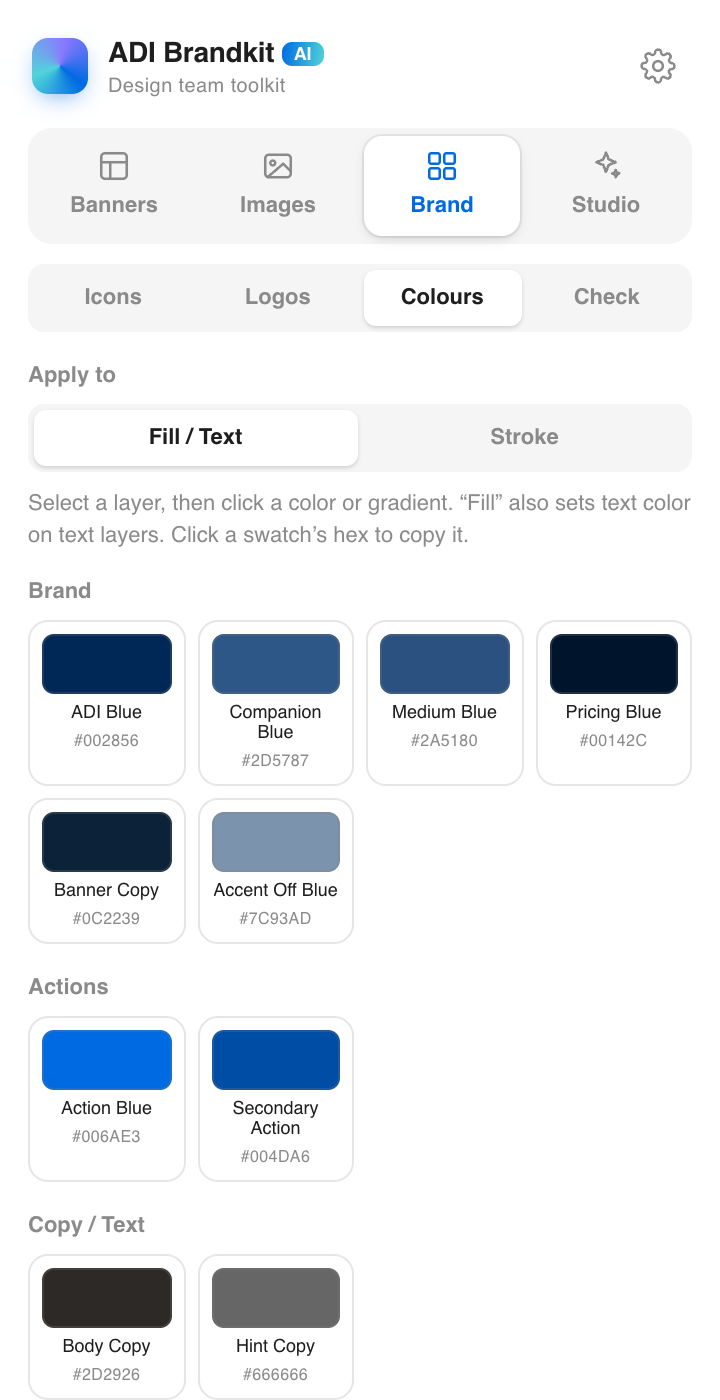
The palette,
enforced.
28 brand colours and 8 gradients, one click away. Apply to fill, text or stroke — or copy the hex. Nobody ever types #002856 from memory again.
- Apply to Fill / Text or Stroke
- Click a swatch's hex to copy
- Gradients included
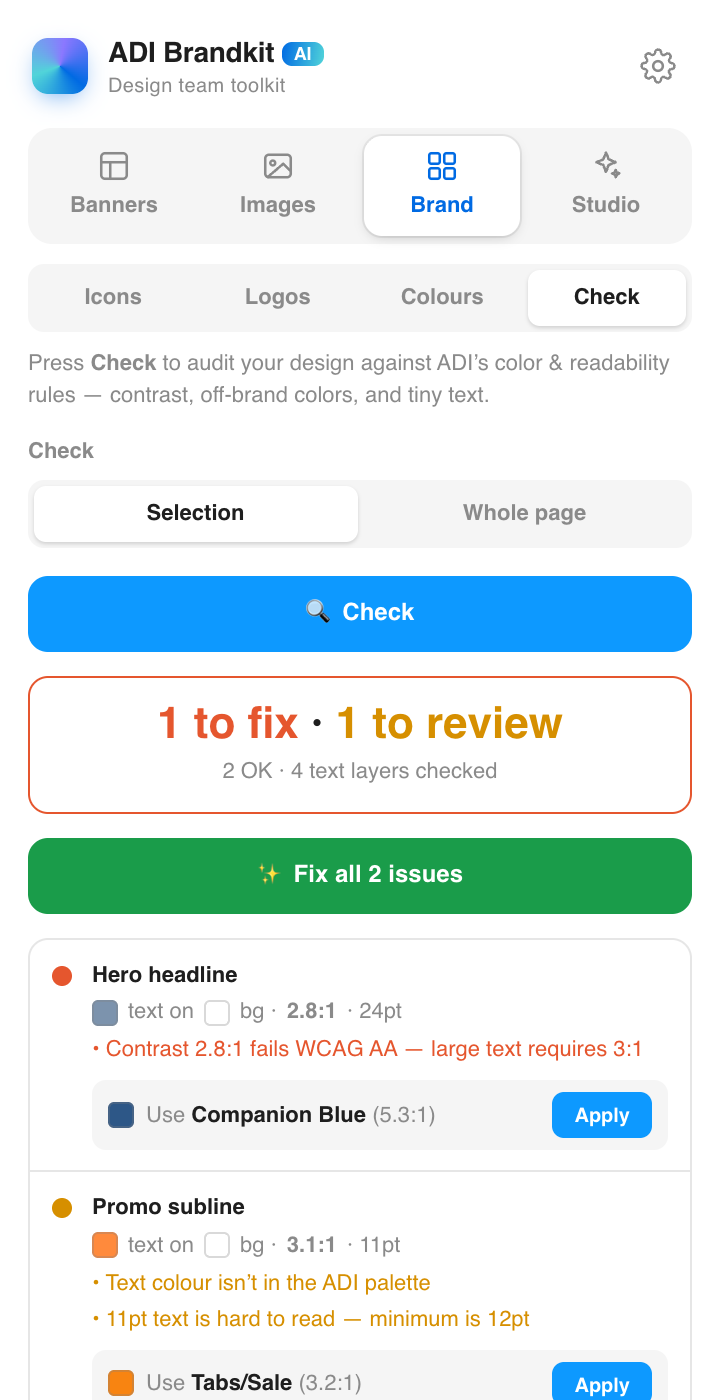
Catch it before
it ships.
One click scans your page like a brand reviewer: WCAG contrast failures, off-brand colours, text too small to read — each finding clickable, straight to the layer.
- WCAG contrast checks
- Off-brand colour detection
- Minimum text-size rules
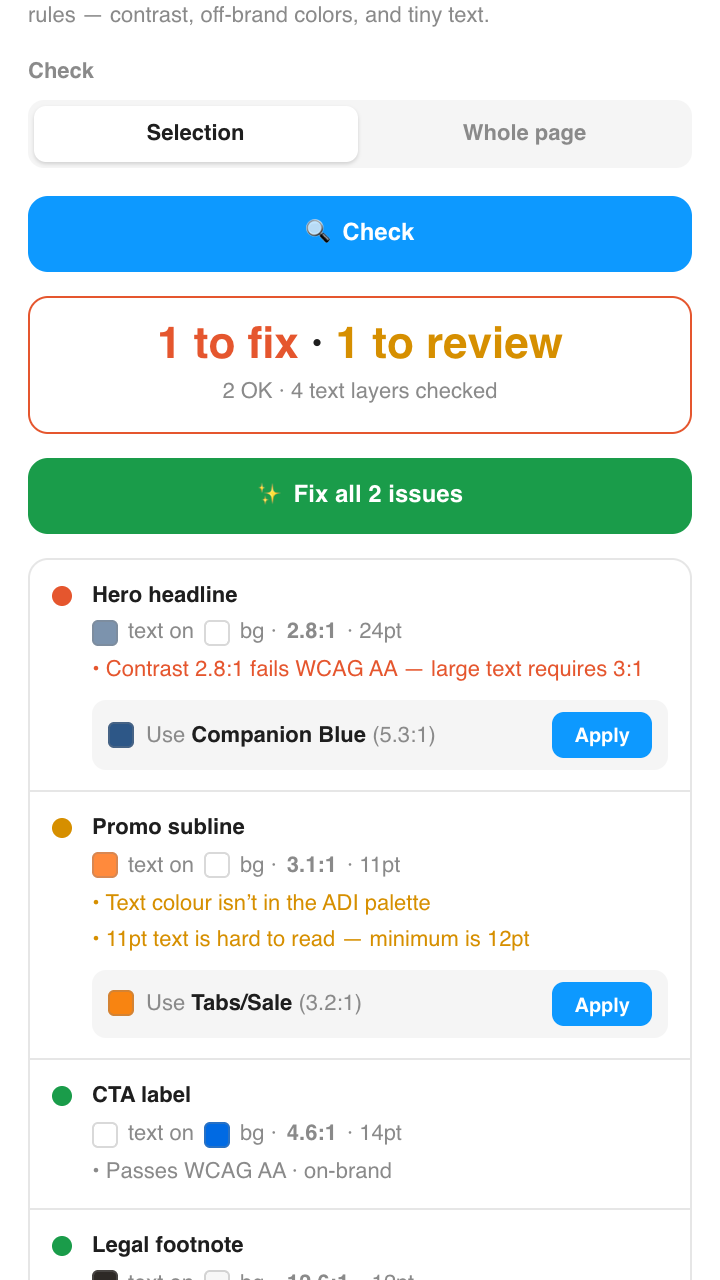
One click.
On brand.
Everything Check finds, Suggest & fix can repair — snapping rogue colours to the palette and lifting contrast — in one pass, with a review list for judgment calls.
- Fix-all in one click
- Review list for the rest
- Nothing changes without you seeing it
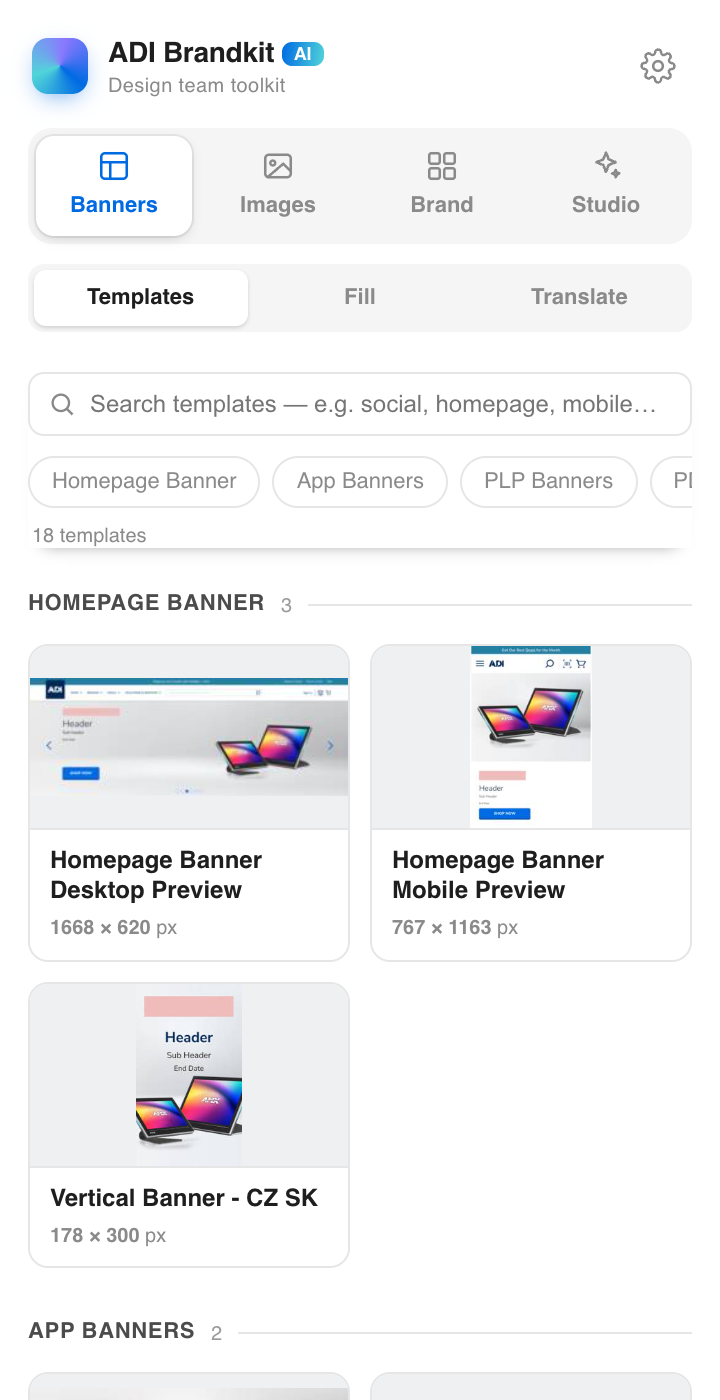
37 templates.
Every layer real.
The actual ADI marketing components — searchable, thumbnailed, one click drops the exact original on your canvas, fully editable and still linked to the library.
- Search by name, category or size
- Live thumbnails of every template
- Exact originals — every layer, every image
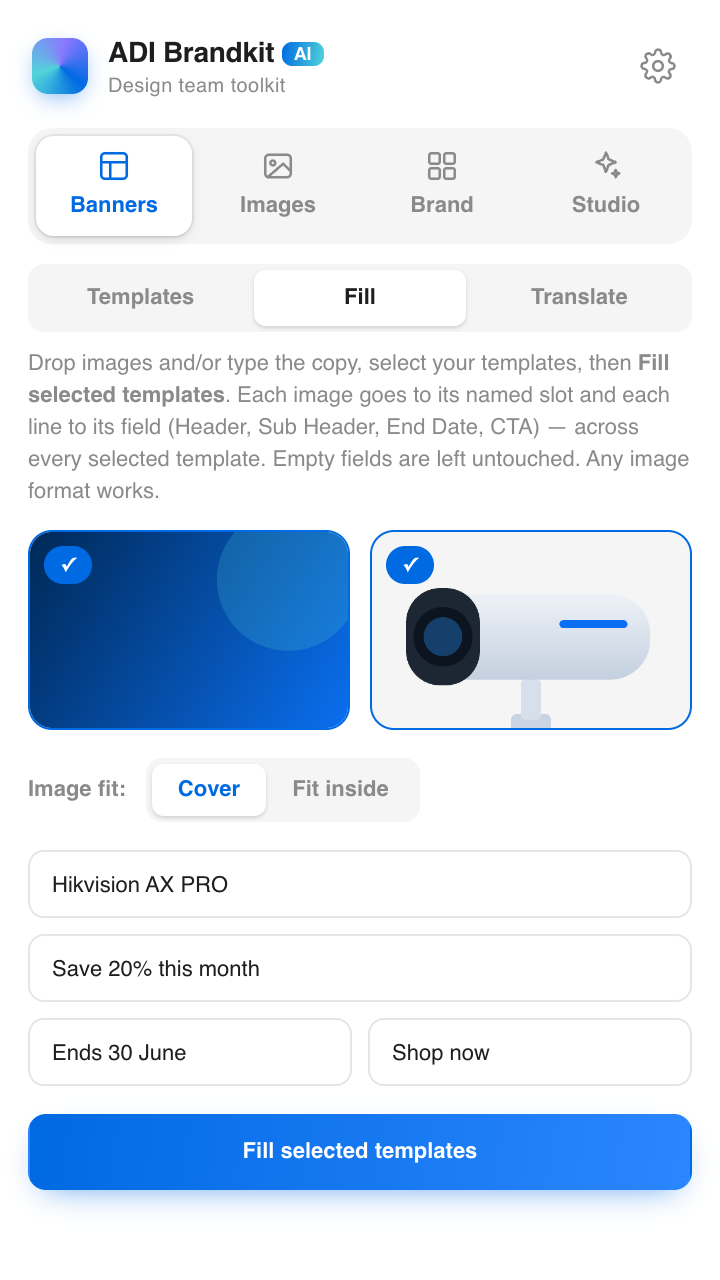
One form.
Every banner.
Drop a background and a product, type the copy once — every selected template fills itself: right slot, right field, every size, in seconds.
- Separate Cover / Fit control per image
- Carousel templates fill every slide
- Empty fields stay untouched
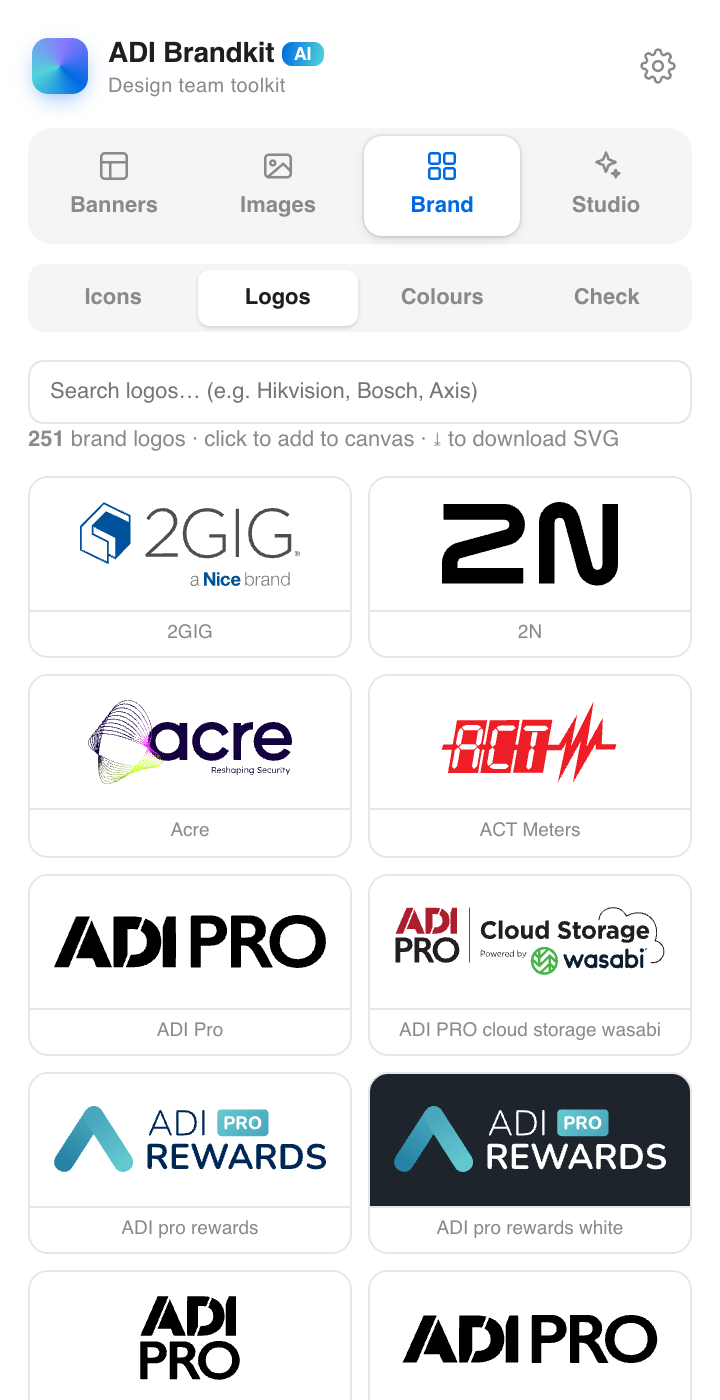
251 logos.
Zero hunting.
Every partner and brand logo as a clean vector — searchable, organised, and one click from your canvas. The end of asking around for the right logo file.
- 251 brands, kept current
- Crisp vectors, not screenshots
- Search and drop
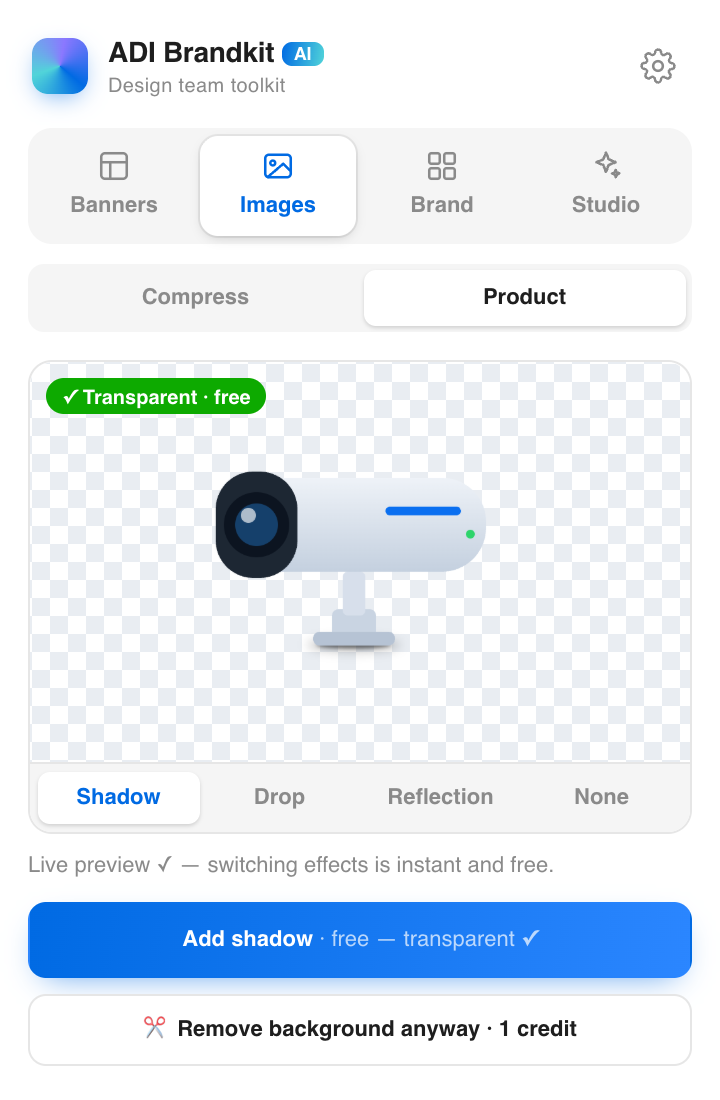
Cut out. Shadow.
Pixel-perfect.
Background removal with a live, true-to-Figma preview. Shadow, drop or reflection — rendered as real layers behind your product. Your product's pixels are never touched.
- Smart button — transparent PNGs detected, free
- Effects land as separate, movable layers
- Straight into a banner with one click
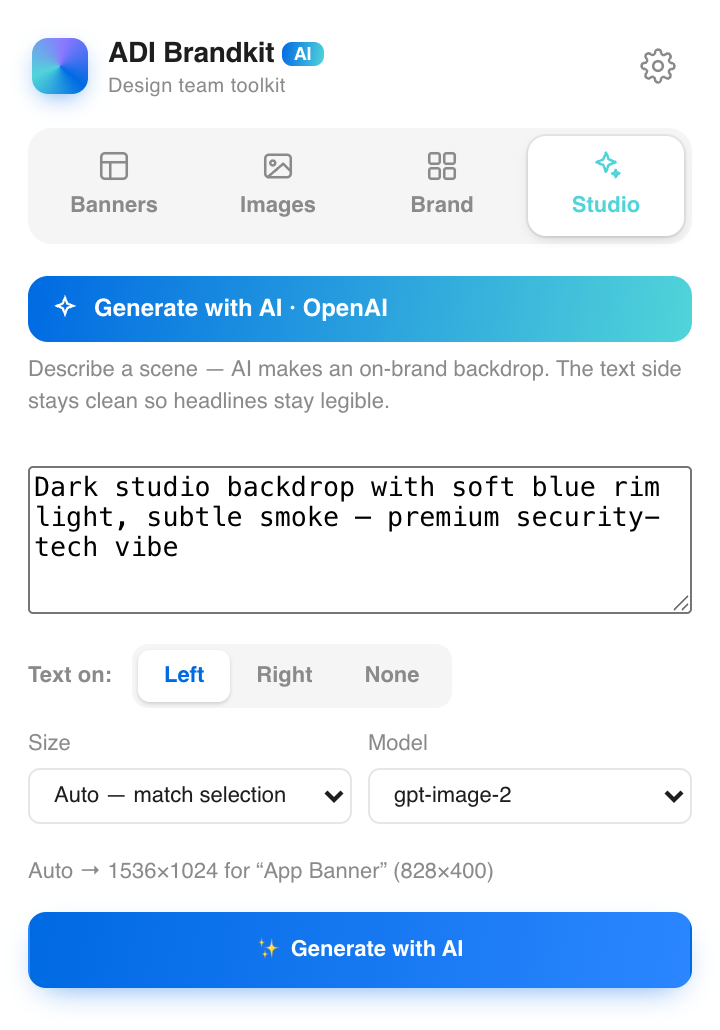
On-brand scenes,
generated.
Studio writes backgrounds in the brand's visual language — pick a direction, get banner-ready art in the right aspect, and send it straight to Fill.
- Brand-tuned prompt presets
- Wide · 1:1 · Tall
- Result lands in your Fill background
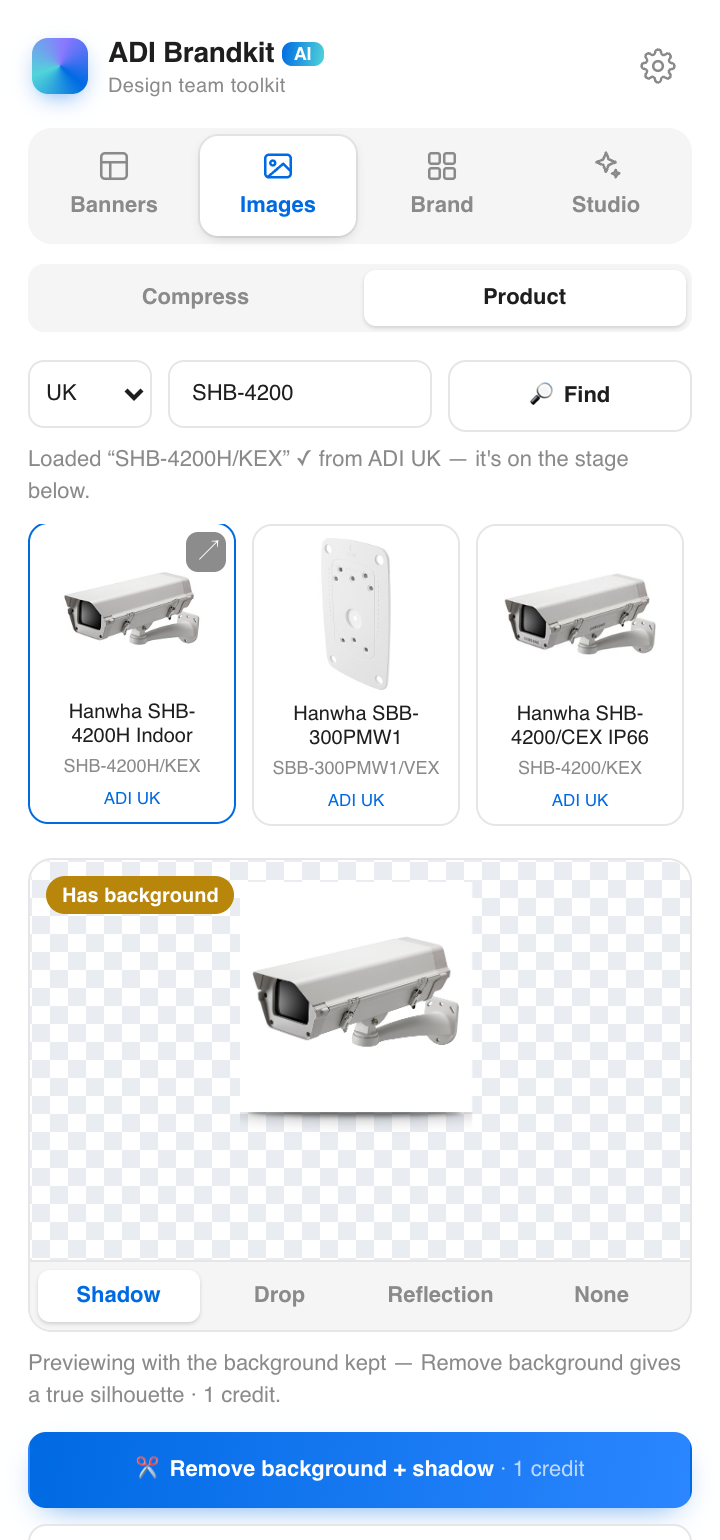
Type a SKU.
Get the product.
No photo? Type the product code — Brandkit searches the real ADI catalogues across UK, US, Benelux, France, Germany, Poland, Czechia, Slovakia, Denmark, Spain, Ireland and Sweden, or all of them at once.
- Exact catalogue matches with specs & product-page links
- “All” sweeps every country in one search
- Web fallback with verified photos only
Any image.
Any surface.
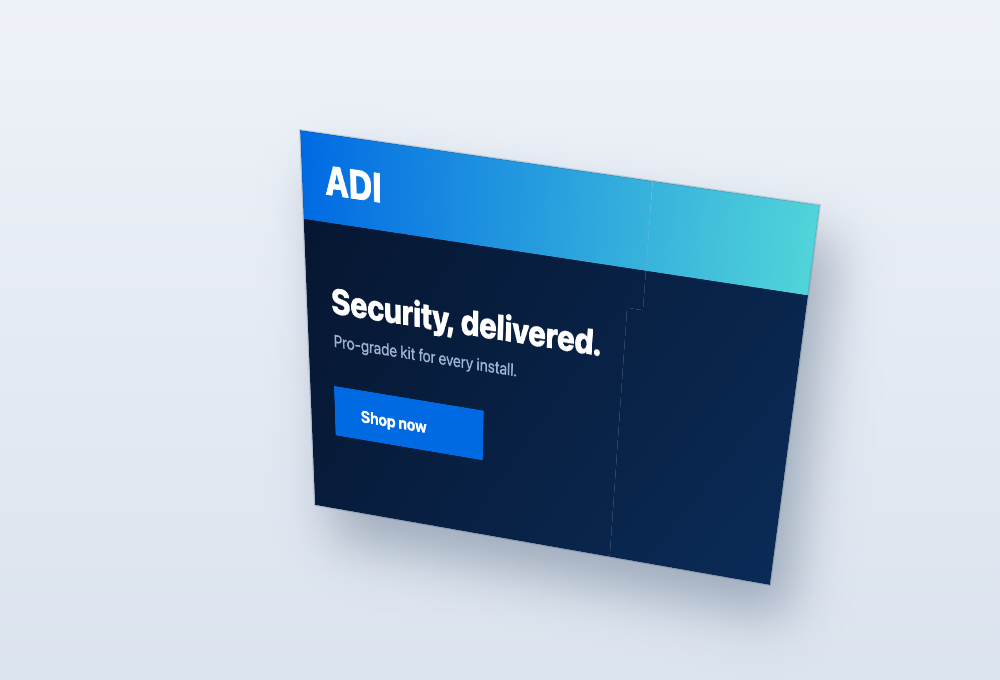
Draw a four-corner shape where the art should sit — a screen, a wall, a billboard — pick the image, and it warps into real perspective. Device and in-situ mockups without ever leaving Figma.
- Draw the shape — it is the control
- True perspective, not a flat skew
- Or tilt freely in 3D with sliders